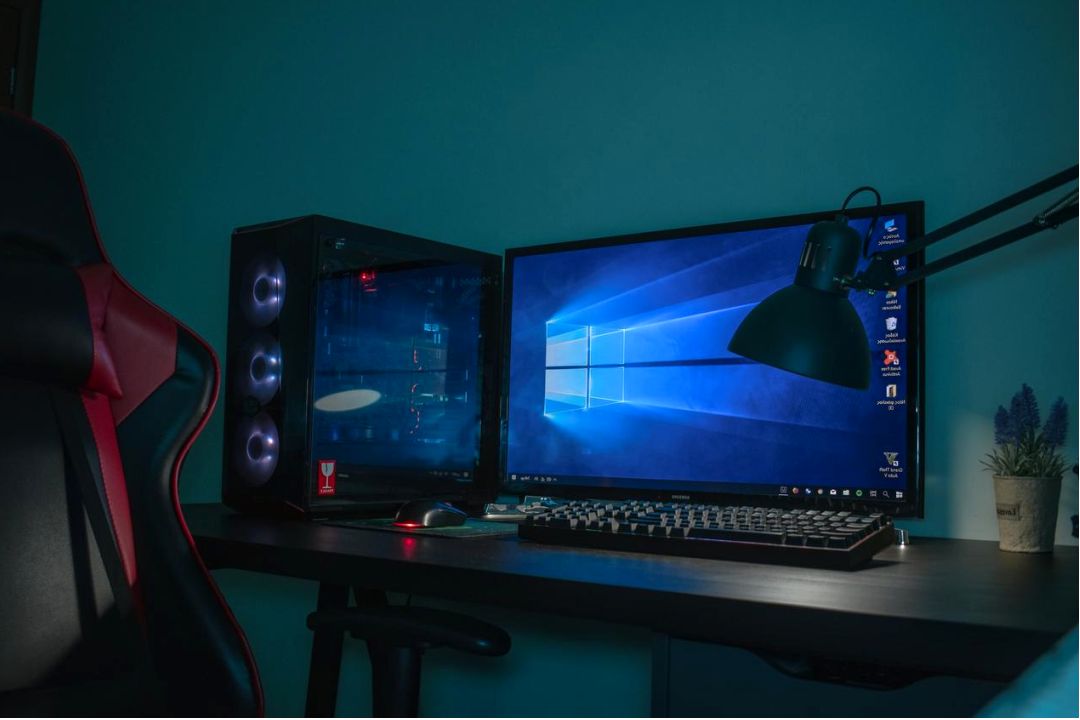
Parental guide: Safe gaming for Nepali families
Simple, practical advice to help parents manage screen time, set up controls, and pick age-appropriate games for children in Nepal.
Age recommendations & quick platform tips
Guidelines to match game content with maturity and local context. Use parental controls to adjust experience per child.
| Age | Play time (daily) | Focus |
|---|---|---|
| 3–6 | 20–30 mins | Educational, local language, offline options |
| 7–12 | 30–60 mins | Cooperative play, set safe chat off |
| 13–17 | 60–120 mins | Supervised online play, clear rules |
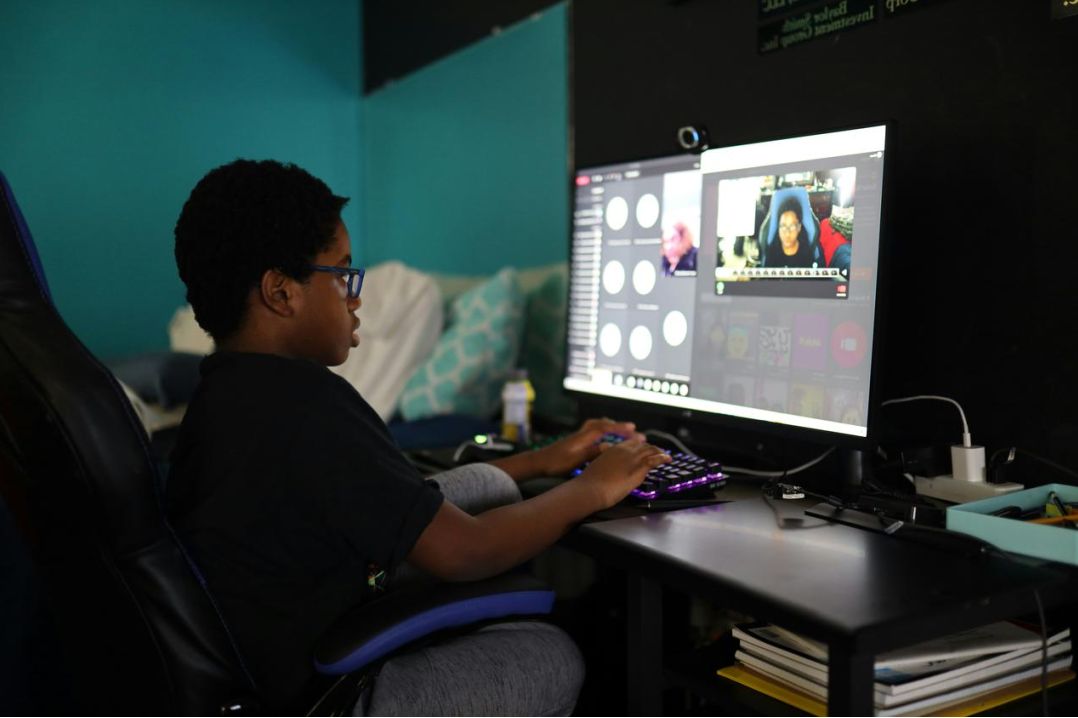
Tip: Keep devices in shared spaces for younger children and enable content filtering on app stores and PCs.
Parental controls — step-by-step
Create a Family Link account, set daily limits, approve downloads, and disable in-game chat for younger users.
Use Screen Time to set app limits, content & privacy restrictions, and to require approval for purchases and downloads.
Use Microsoft Family Safety to set time limits, restrict store purchases, and filter web & app content. Consider local support centres for setup help.
Most consoles provide family settings to limit play time, restrict mature content, and manage online interactions — check device manuals or official support pages.
Screen time, routines, and wellbeing
Balance
Encourage physical play, homework time, and family activities alongside gaming.
Boundaries
Set consistent rules: start/stop signals, no screens during meals, and device-free bedrooms for younger kids.
Modeling
Parents who model healthy habits help children build the same routines.

Daily checklist
- Homework done before play
- Breaks every 30–45 minutes
- Open conversations about online behaviour
Talking with your child

Approach gaming as a shared activity. Ask about favourite games, who they play with, and set expectations together. Praise positive behaviour and explain why limits exist.
Conversation starters
- "Who do you enjoy playing with online?"
- "What do you like most about that game?"
- "How would you handle someone being unkind in a match?"
Resources & local support
Local community centres, schools, and youth clubs often run digital safety sessions. Below are suggested actions and links to help parents get started.
- Visit school workshops on digital wellbeing.
- Ask local internet providers about parental control tools.
- Search community groups for family-friendly events.
Quick links
Frequently asked questions
How much screen time is healthy?
Short sessions for young children, gradual increases for teens with clear daily limits and time for other activities.
How do I block chat in games?
Use in-app settings or platform-level parental controls; for unknown options, check the game's official help page or support communities.