Hardware setup advice — Nepal gamers
Practical, budget-aware tips for building and optimizing PC and mobile gaming setups in Nepal. From local shops to peripherals and network tuning.
Choosing a PC platform in Nepal
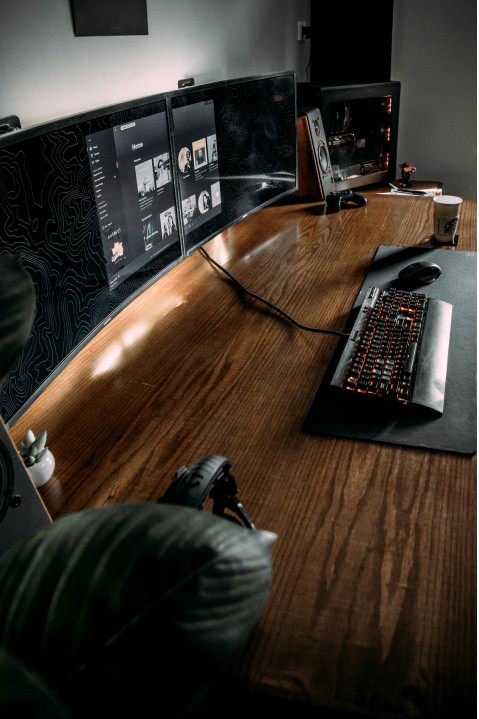
Decide by use-case: competitive esports, content creation, or casual play. Power, upgradability and local warranty support matter more than flashy RGB.
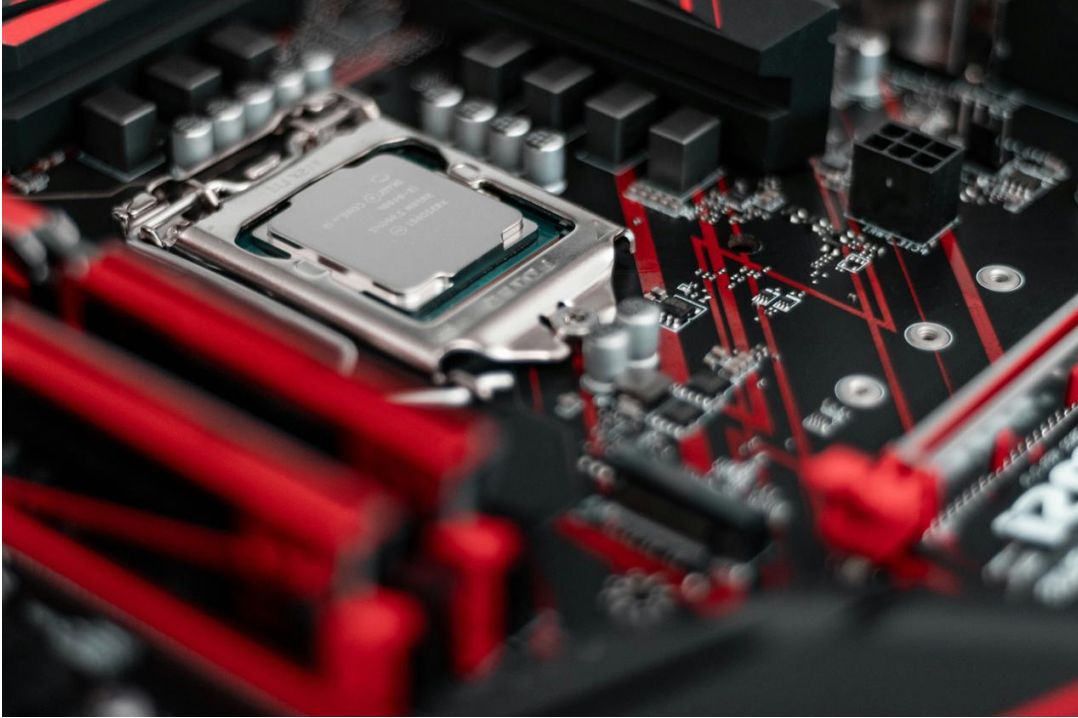
- Prioritise CPU+GPU balance for fps and smooth streaming.
- Check local service and warranty for GPUs and PSUs.
- Buy known-brand motherboards to ease BIOS and driver updates.
Mobile gaming: performance & battery care
Optimize mobile devices for longevity and stable performance with thermal control, storage management and safe charging practices in Nepal’s climate.
- Use official chargers and avoid cheap fast-charge clones.
- Keep storage free: uninstall infrequently used apps and clear caches.
- Consider a light cooling pad for marathon sessions.
Recommended builds (starter → performance)
| Tier | CPU | GPU | RAM / SSD | Use-case |
|---|---|---|---|---|
| Starter | Mid-range quad/hex-core | Entry-level GPU or iGPU | 8–16GB / 256–512GB SSD | Casual, esports on moderate settings |
| Balanced | 6–8 cores | Mid-tier GPU | 16GB / 512GB SSD | Streaming & modern titles at 1080p |
| Performance | 8+ cores | High-end GPU | 32GB / 1TB NVMe | High refresh, content creation |
Peripherals guide: mouse, keyboard, headset
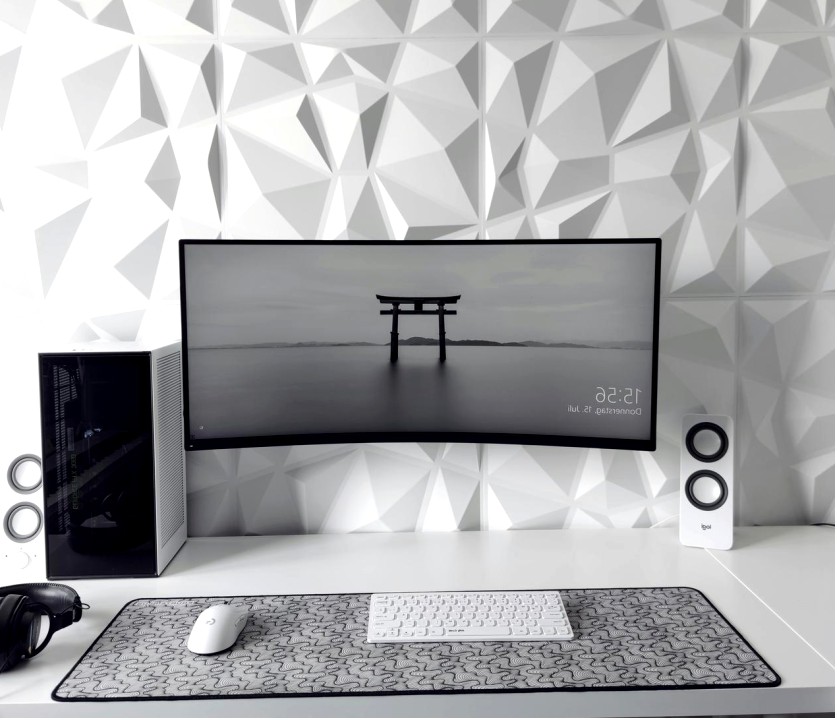
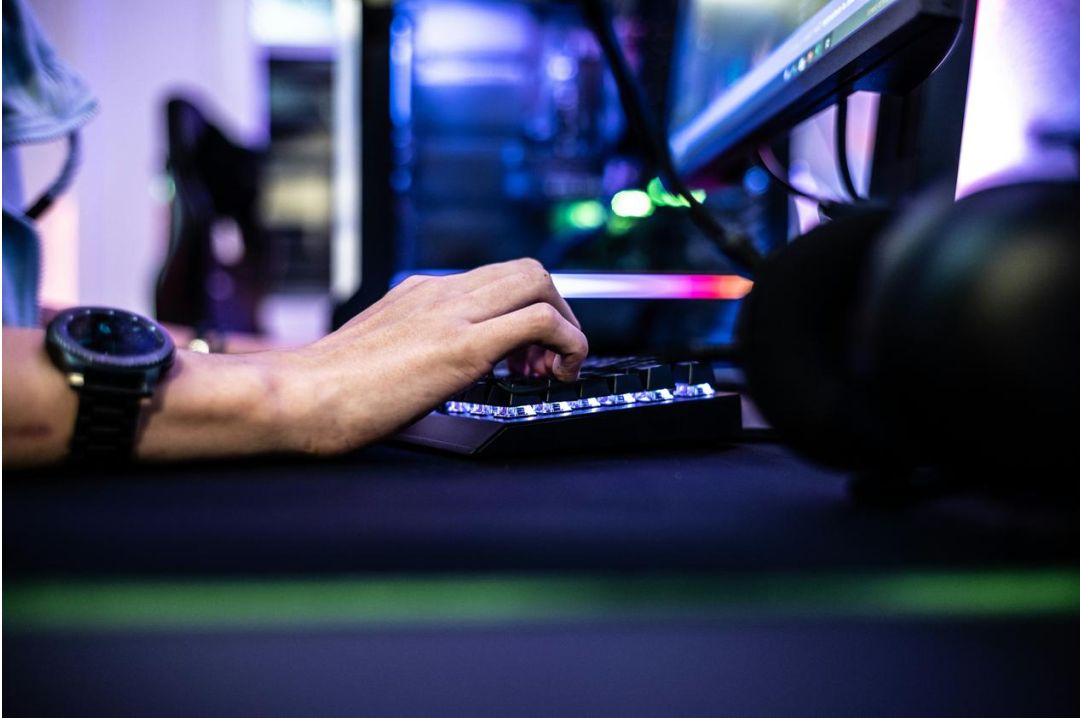
Match peripherals to playstyle: lightweight mice for FPS, comfortable headsets for long sessions, keyboards with reliable switches for competitive play.
- Test for grip and sensor responsiveness where possible.
- Prefer wired for lowest latency in competitive play; wireless for clean desks.
- Buy from authorised local dealers to ensure warranty.
Troubleshooting & maintenance (accordion)
Check PSU connections, RAM seating, motherboard error LEDs, and CMOS reset. Swap a known-good PSU if available before replacing parts.
Clean fans and dust filters, reapply thermal paste if needed, improve case airflow, and ensure GPU drivers are up to date.
Use wired connections for stability, check ISP peak times, reset router, and reduce background uploads. For persistent issues, contact your provider.
Local shops, warranty tips & community
Buying locally supports quick RMA and warranty service. Keep receipts and register serials. Share your build details with community groups for troubleshooting and trade advice.
- Prefer authorised dealers for component warranties.
- Join local Discord/FB groups to find second-hand parts and meetups.
- Attend local LANs and workshops to test hardware before buying.

Bimal — Hardware advisor
Local builder and hardware reviewer focusing on Nepal's gaming community. Available for workshops and consults.